Getting notified with webhooks
A webhook tells your automation tool or your own system when something happens in your Veluril library: a delivery is created, its email goes out to your recipient, its access is switched off or back on, or you add new content or a bundle. Tools such as Zapier, Make and n8n give you a webhook URL to listen on. You add that URL to Veluril, and we send each event to it within about a minute.
Webhooks go from Veluril to your tool. To create a delivery from your tool, see Creating a delivery from an automation tool or script.
Adding an endpoint
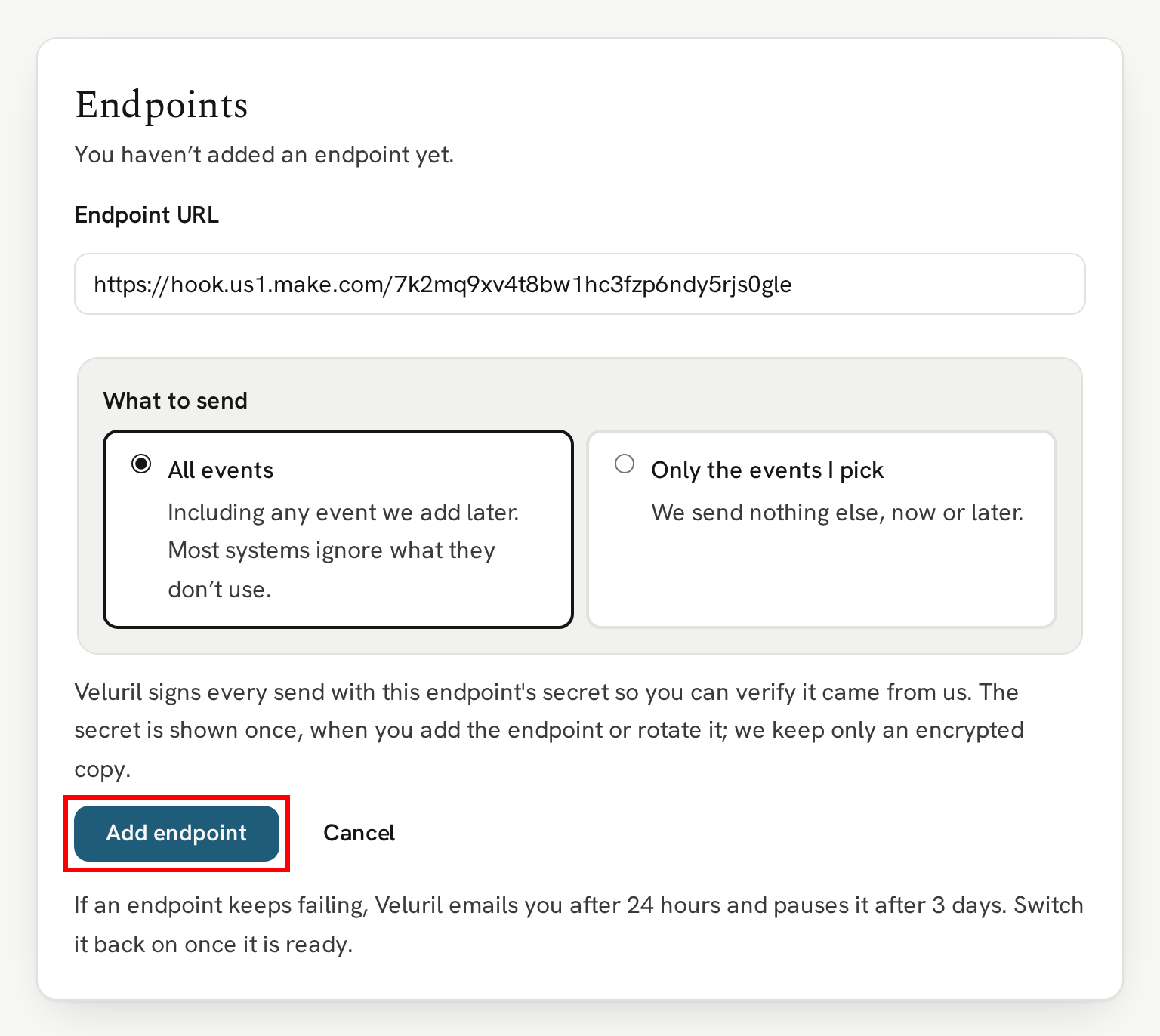
Head to your Webhooks page and paste the URL your tool gave you into Endpoint URL. It needs to be a public https:// address.
Then choose what to send. All events sends every event, including any we add later, and most tools simply ignore the ones they don't use. Only the events I pick sends just the ones you select:
delivery.created: a delivery is created, before its email is sent.delivery.email_sent: the delivery email went out to your recipient, and again on every resend. If you want to know your recipient has their link, this is the one.delivery.revoked: a delivery's access is switched off, by you or on a refund, chargeback, canceled subscription or spam report.delivery.restored: a revoked delivery's access is switched back on.content.created: you uploaded new content.bundle.created: you created a bundle.
A new delivery for a recipient who has already marked one of your emails as spam is created already revoked, and nothing is emailed. You get delivery.created, with revoked and spamLocked set to true, but never delivery.email_sent. To act only when a recipient has been sent their delivery, listen for delivery.email_sent. See When a recipient marks your email as spam.
Then click the "Add endpoint" button:
Copying the signing secret
As soon as the endpoint is added, we show its signing secret. It's shown only once, so click the "Copy secret" button and keep it somewhere safe, like a password manager:
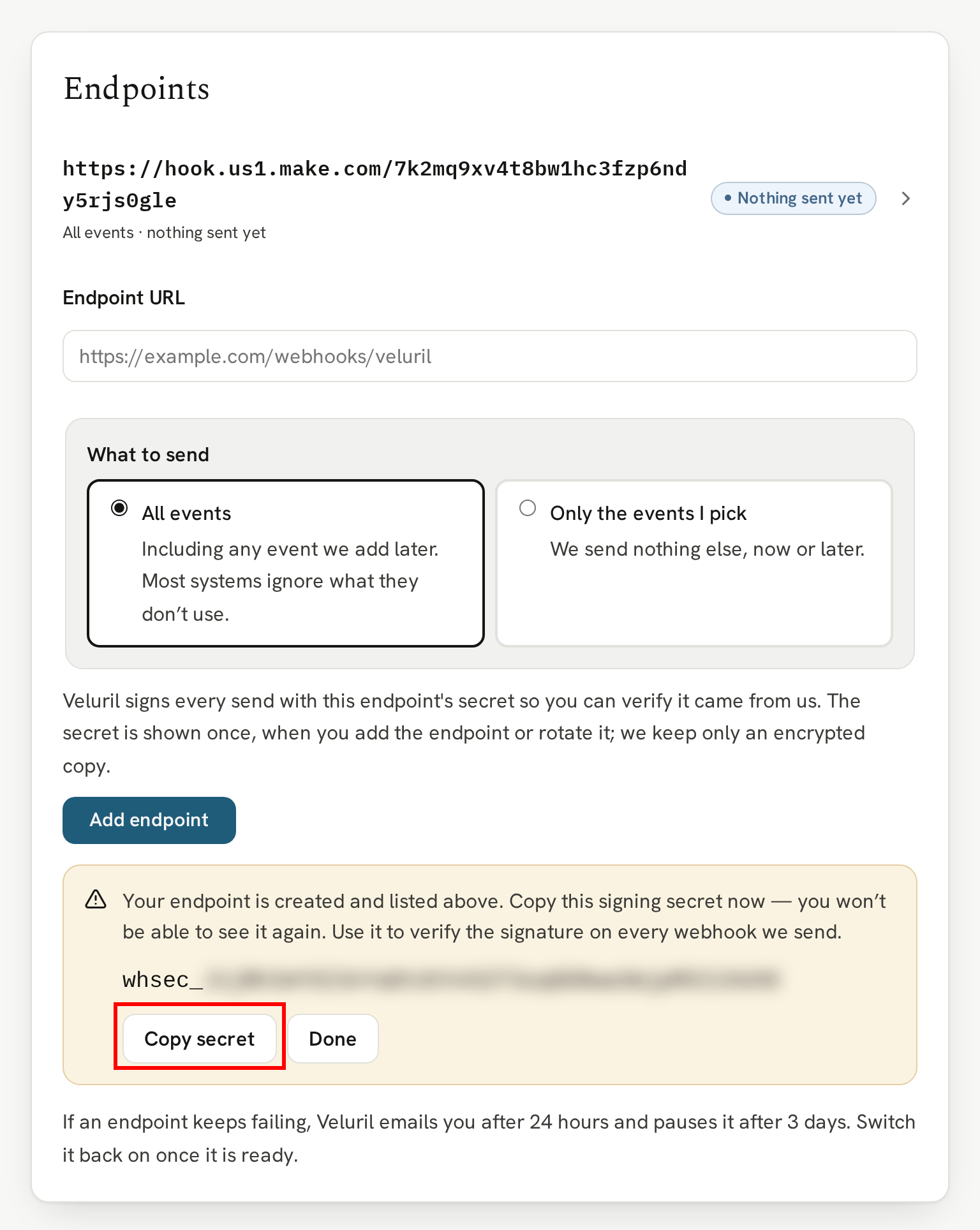
The secret lets your endpoint check that each webhook really came from Veluril. Verifying a webhook is really from Veluril explains how.
Checking it's working
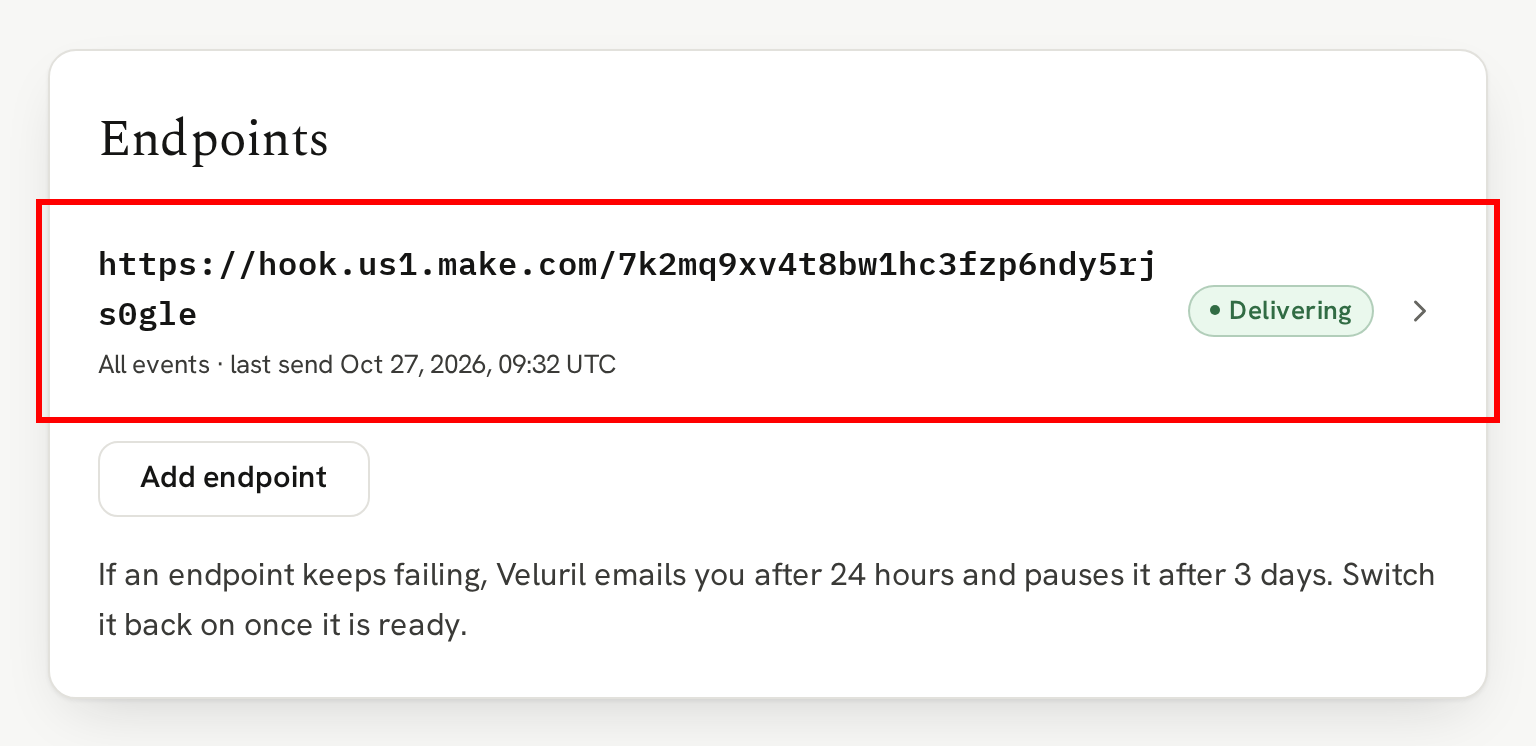
Your endpoint is listed on your Webhooks page with its status. Click it to see everything we've sent it:
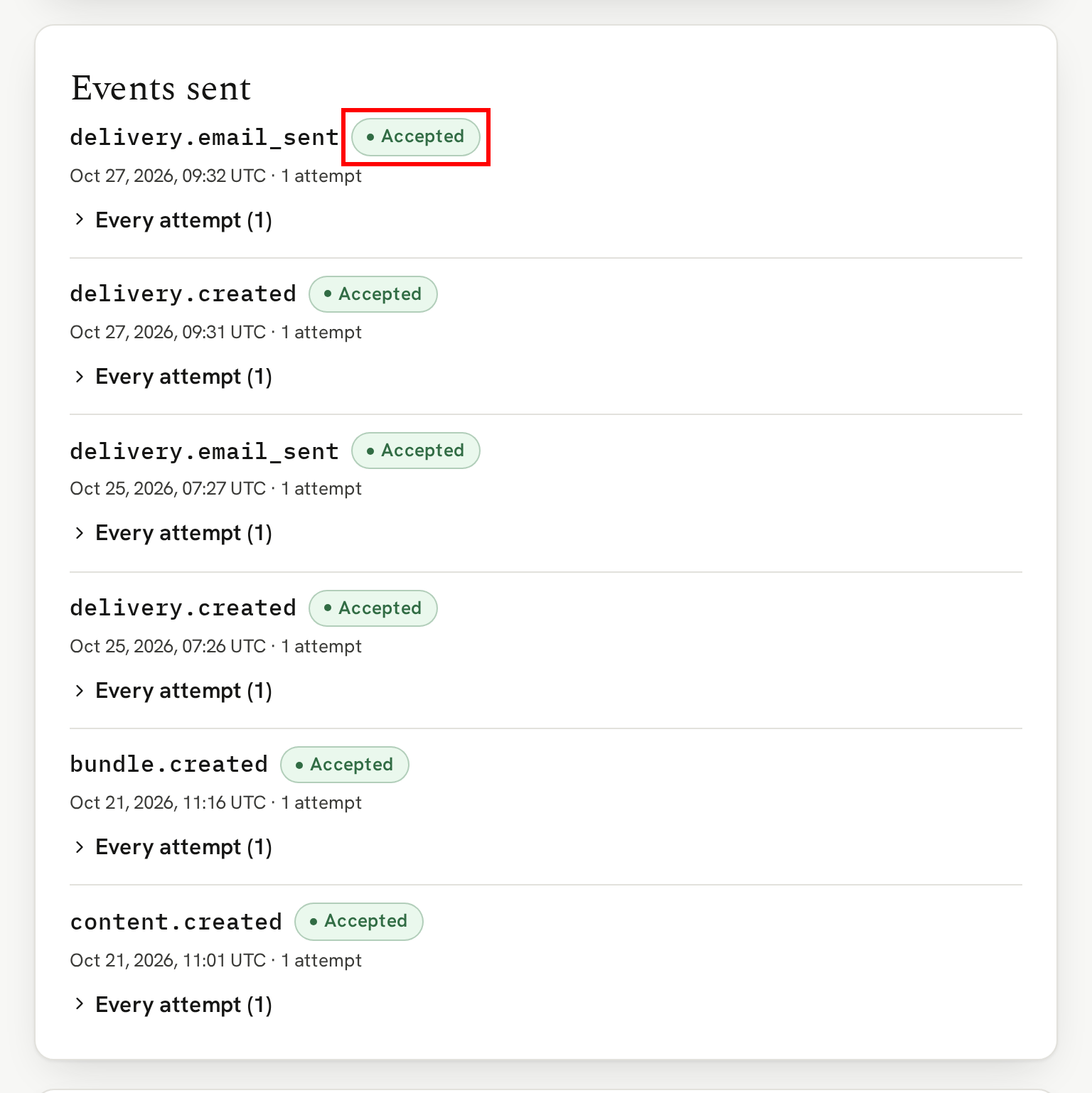
Under Events sent, each event shows whether your endpoint Accepted it:
If your endpoint can't be reached
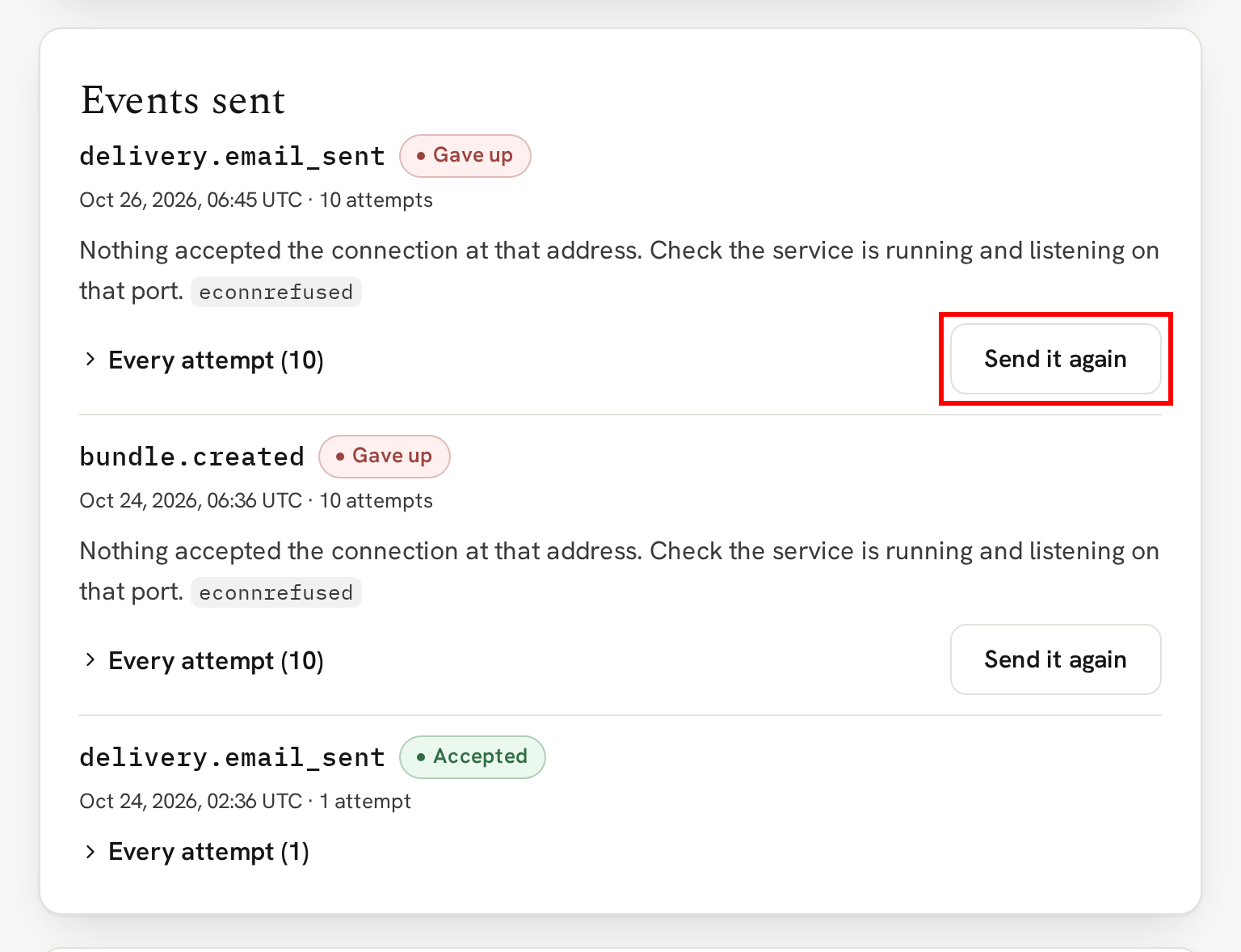
Sometimes your webhook endpoint is briefly unavailable, say the listening service is restarting or even switched off. In those cases, if it doesn't accept the event we sent, we keep trying, spacing the attempts out over about a day. "Every attempt", under the event, shows each try and what your endpoint answered.
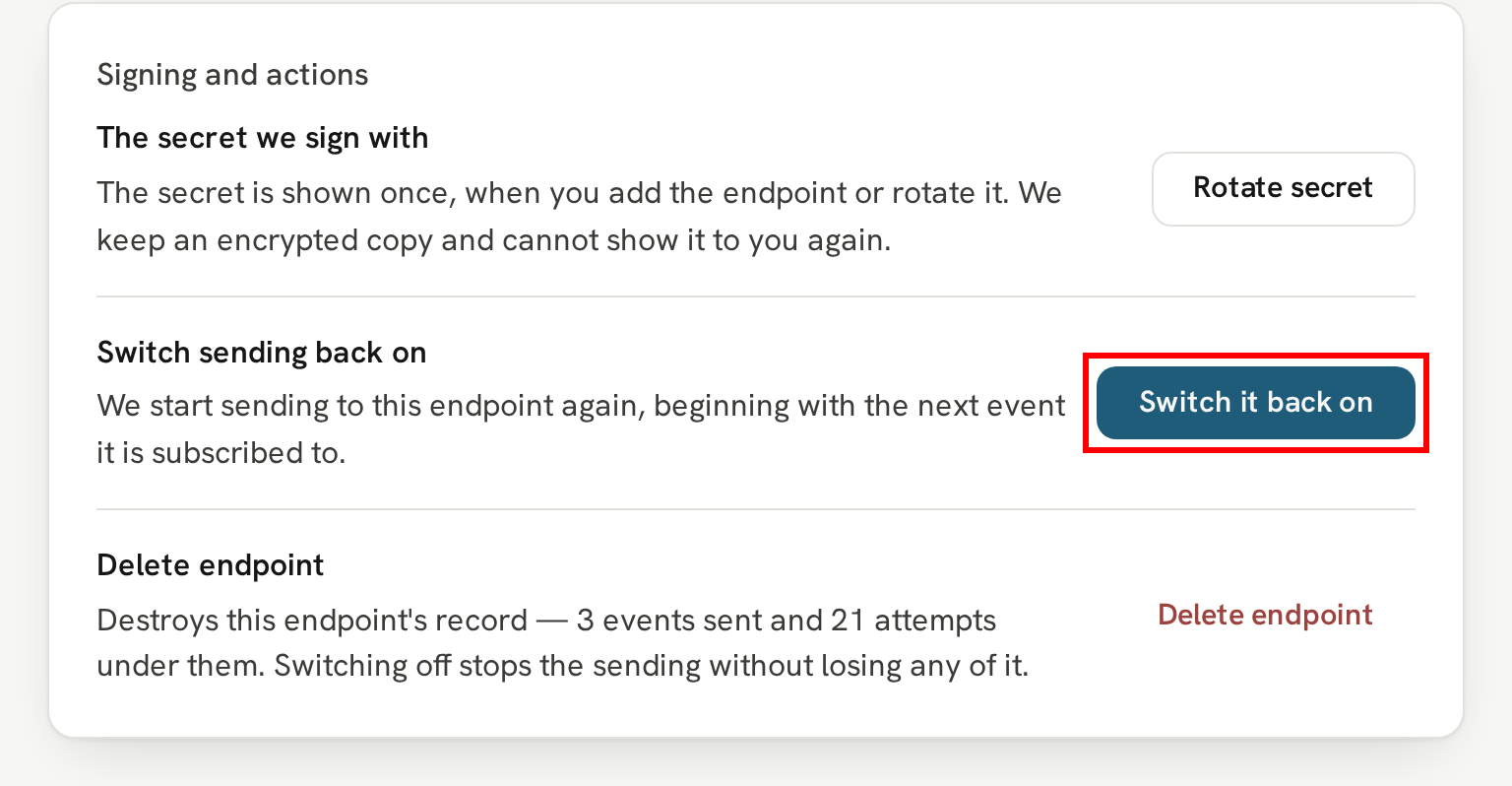
If an endpoint keeps failing, we email you after 24 hours and pause it after 3 days. Once it's ready again, open it and click the "Switch it back on" button. An event we stopped trying can be sent again with its "Send it again" button:
Moving to a new address
If you need to change the webhook endpoint, you'll need to create a new webhook in the Webhook settings. Test everything is working and, once events are arriving at the new endpoint, click "Switch off sending" on the old webhook, which keeps its record, or "Delete endpoint" if you don't need the details kept.
Next
Before your endpoint acts on a webhook, it can check the webhook really came from us.