If a recipient can't download a file
If a file can't be downloaded, the recipient's download page tells them why in place of its "Download" button. Here's what they see in each case, and how you can give them access again.
They've used all their downloads
Once a file's downloads are used up, it's marked "Limit reached":
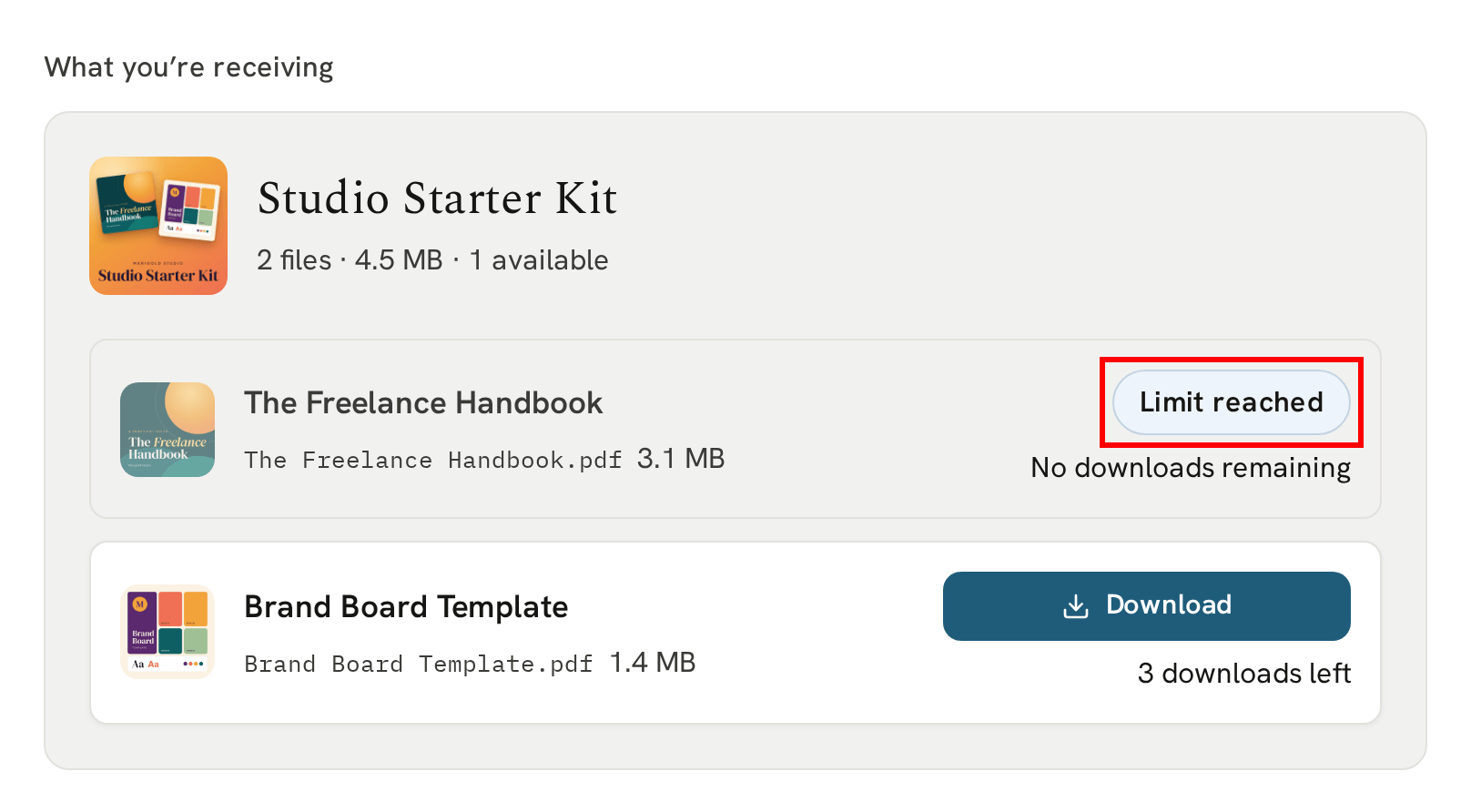
To give them more, open the delivery from your Deliveries page and click "Reset downloads" beside the file. Their downloads start again.
The time limit has passed
If you've set a time limit, a file is marked "Window closed" once it passes, with the date it closed:
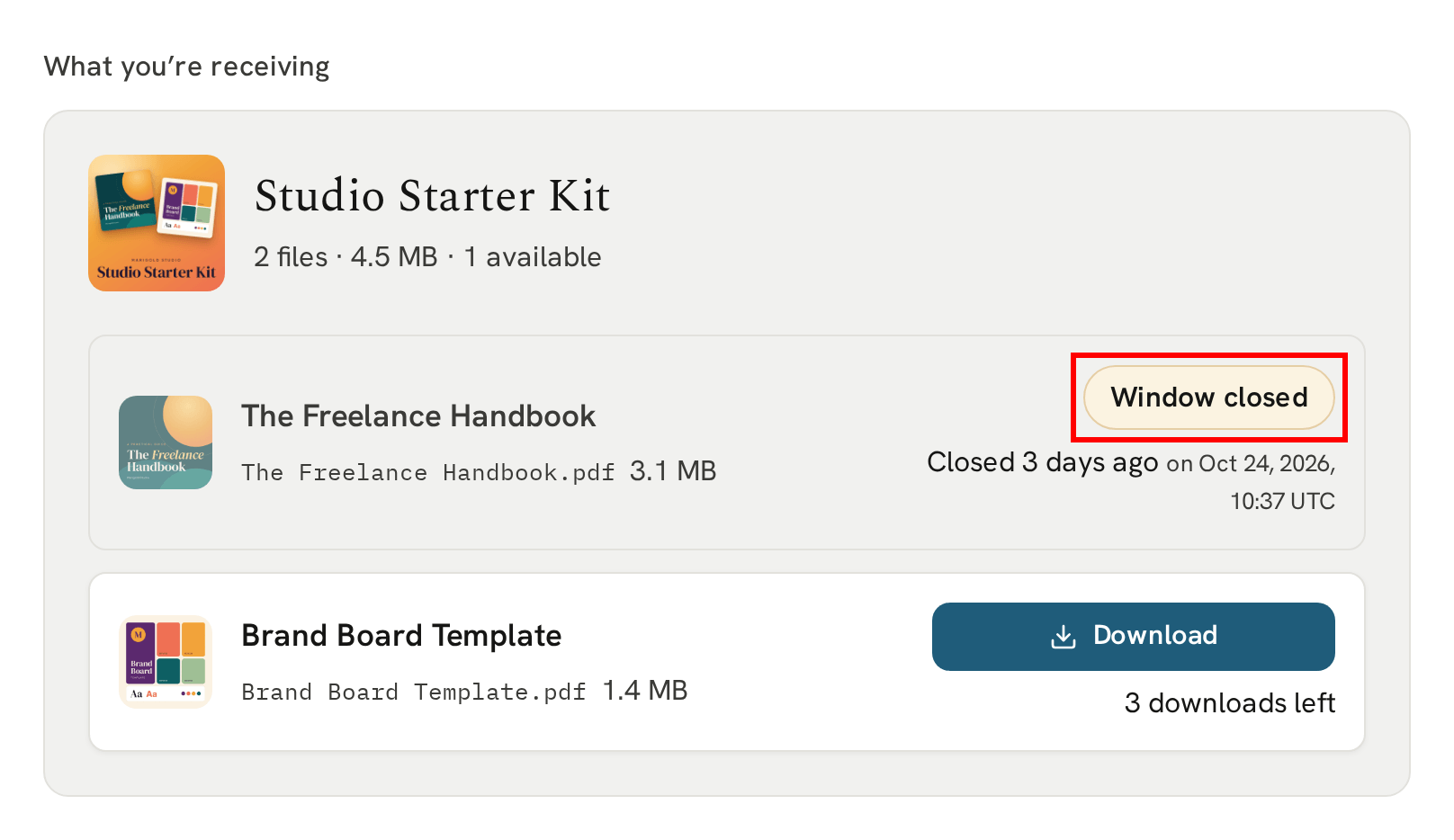
"Reset downloads" gives them more time, too: the time limit runs again from the moment you reset.
You've revoked access to the file
A file you've revoked stays on their page, marked "Access removed", so they can see it's still part of their delivery:
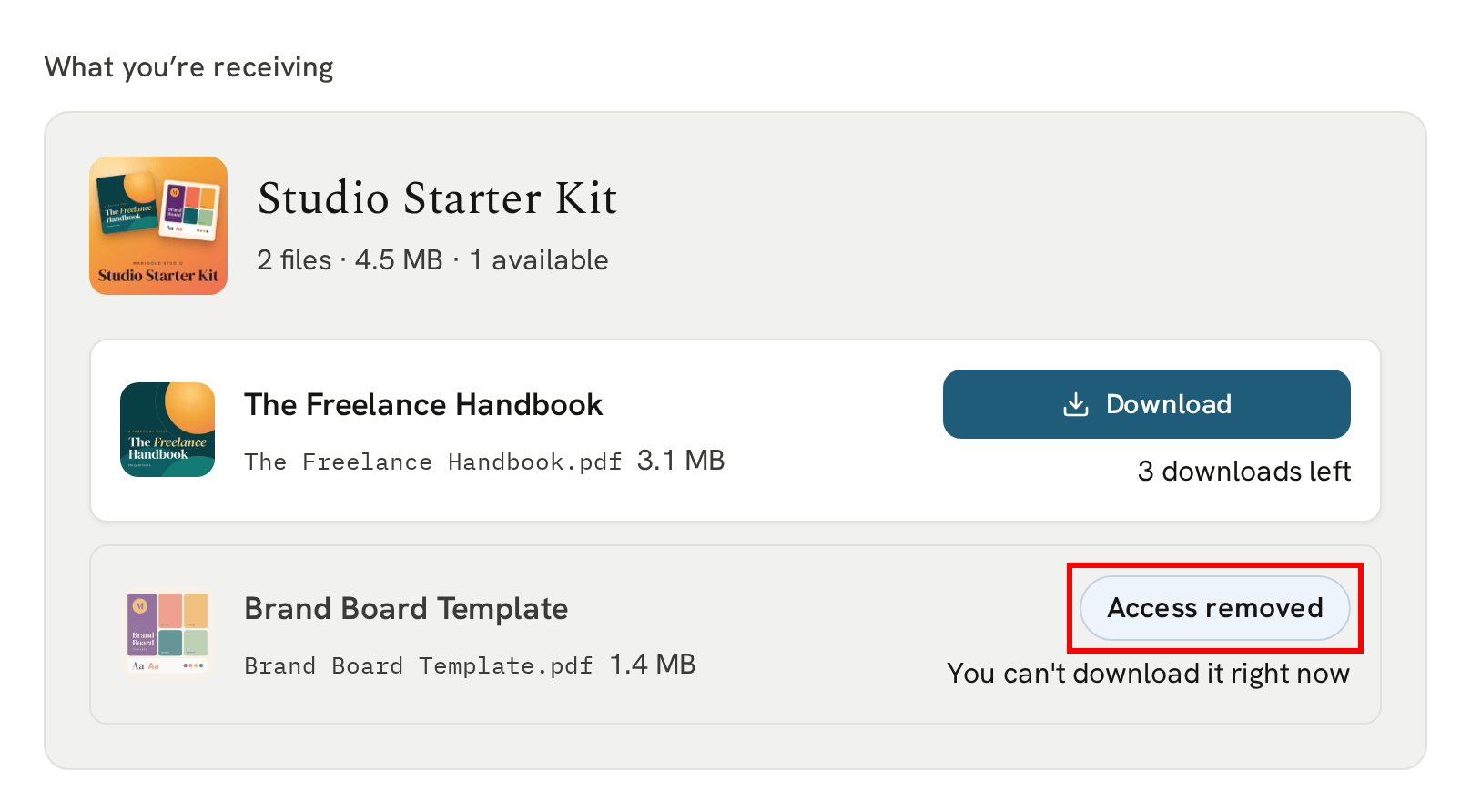
To give it back, click "Restore file access" beside the file on the delivery's page.
You've revoked access to the whole delivery
If you've revoked the whole delivery, their page tells them access has been revoked, with your contact email beneath it:
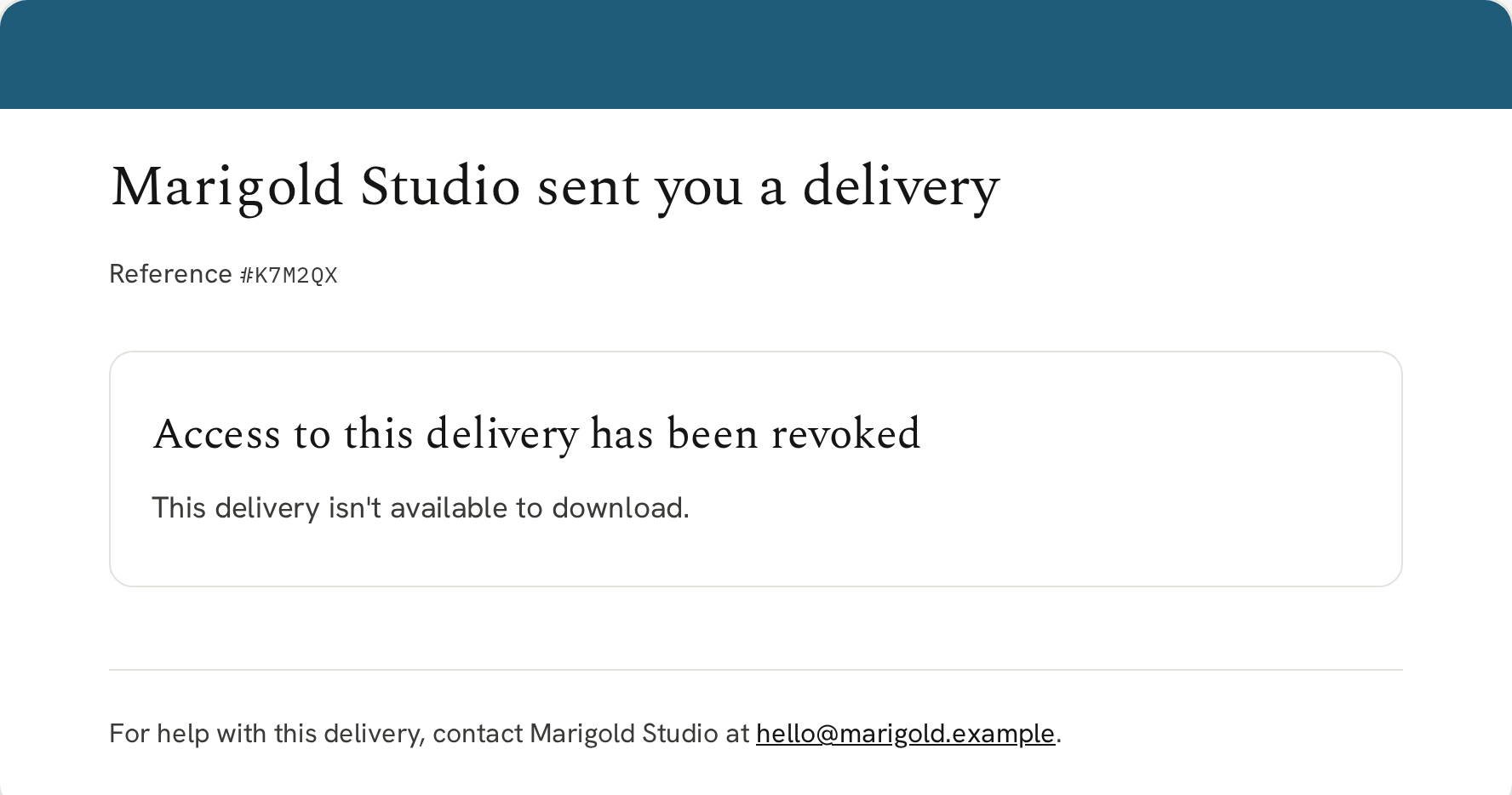
To give it all back, click "Restore access" in the delivery's Delivery access card.
You've removed the file
A file you remove from the bundle, or move to the recycling, disappears from their page. If you recycle the whole bundle, or remove every file in it, the page tells them the bundle is no longer available.
Add it back to the bundle, or restore it from your Recycling page within 30 days, and it's back on their page.
You've deleted the delivery
If you've deleted the delivery, their page tells them access to it has been removed. A delete is permanent, so there's no way to give it back. If they should still have it, send them a new delivery.
You can undo every one of these except a deleted delivery. Reset their downloads, restore their access, or restore a file from the recycling, and it's back on their page, ready to download.
For every control on the delivery's page, see Controlling access to a delivery.
Next
Their download page is theirs alone. After their first download, we ask them to confirm it's them.